Screen Sharing Directly in the Browser – Why We Built Sharry
— 4 min read
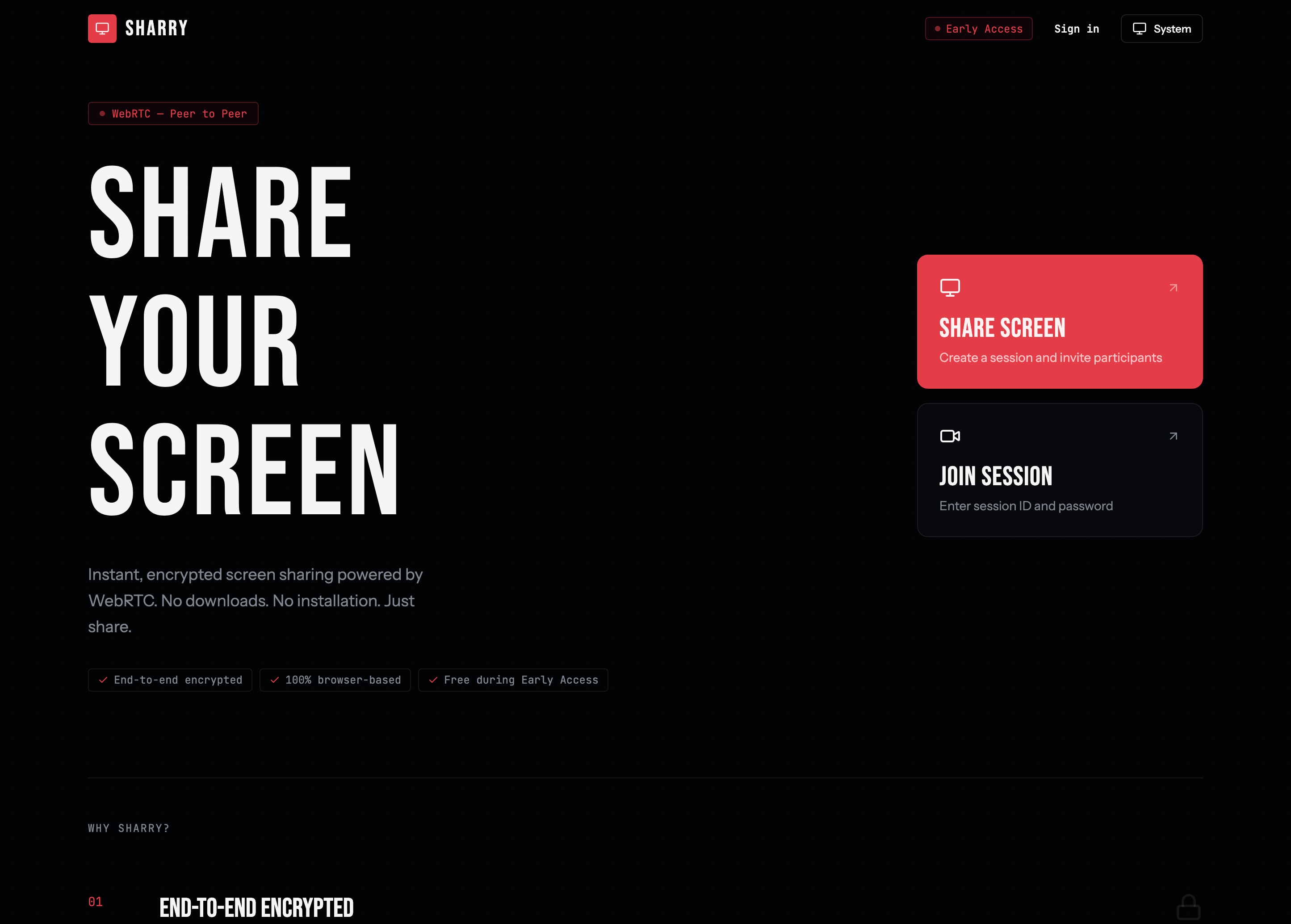
It started with a simple problem during pair programming: MS Teams screen sharing is blurry. Not unusably so – but enough to be annoying when you're trying to read code together. Teams prioritizes frame rate over resolution, which makes sense for video calls, but is the wrong trade-off when what you actually need is to clearly read a variable name or a stack trace.
So we switched to Discord. The image quality was noticeably better. But then a new problem appeared: nobody knew where to find each other anymore. Is the team on Teams today? Or Discord? Two tools, one purpose, constant confusion.
That's what led me to build Sharry – a dedicated screen sharing tool that doesn't require everyone to agree on yet another platform.
The Problem With Existing Tools
There's no shortage of screen sharing tools. Zoom, Teams, Google Meet, Discord – all solid solutions for their main purpose. But they all share the same fundamental problem: screen sharing is a side feature, not the focus.
Teams optimizes for video call smoothness. Discord is a full communication platform. Neither is designed around the one thing you actually need for pair programming: a sharp, clear view of someone's screen, with zero setup.
When you want to quickly show a colleague your screen, you need:
- No meeting infrastructure
- No app installation
- No decision about which platform to use today
You just need a direct channel between two browsers.
WebRTC: The Browser Can Do This Natively
Modern browsers can communicate peer-to-peer – directly, without routing through a server. The technology behind this is called WebRTC (Web Real-Time Communication) and has been built into Chrome, Firefox, Safari, and Edge for years.
That means: a screen can be transmitted directly from browser to browser. End-to-end encrypted. Without the data ever touching our servers.
At its core, Sharry is nothing more than a very thin layer on top of WebRTC:
- Create a session – go to "Share Screen", set a password, and click "Create Session". You instantly get a unique session ID.
- Share the code – send the session ID and password to whoever you want to invite. Via chat, email, or just say it out loud.
- Go live – click "Share Screen" and pick a tab, window, or your entire display. Viewers see your screen in seconds – no account, no download needed.
The viewer needs no account, no installation, no subscription. Just open the browser and join.
Our Stack (For the Techies)
Because I always want to know what others are building with:
- Frontend: React 19 + React Router v7 (SPA mode)
- Styling: Tailwind CSS v4 + shadcn/ui
- Backend: Bun with native WebSockets – no Node, no Socket.io
- Database:
bun:sqlitefor auth sessions - Hosting: Fly.io in Frankfurt (low latency for EU users)
I deliberately avoided external dependencies. No ORM, no Express, no bloated libraries. Bun handles most things out of the box – and that's a great feeling.
The WebRTC connection runs through a classic signaling server (WebSocket) that's only responsible for the handshake. Once the connection is established, data flows directly P2P.
When Is Sharry the Right Tool?
Sharry isn't for everything. It's not a Zoom replacement for large meetings. It's not a TeamViewer replacement for remote administration.
But it's perfect for:
- Remote Support: "Show me what you're seeing" – without any setup overhead
- Pair Programming: Sharp, clear screen sharing for reading code together – no blurry Teams call, no switching to Discord
- Tutorials & Demos: Show students or clients something when you know they won't install anything
- Presentations: Share slides or prototypes without a projector or Teams screenshare
The key feature is the zero-friction join for viewers. They don't have to do anything except click a link.
Early Access – Completely Free, No Limits
Sharry is currently in Early Access and completely free – with no limits whatsoever. Unlimited session duration, unlimited viewers, no account required. Limits will be introduced after Early Access ends, so now is the best time to try it.
I'd love feedback – what's missing, what's annoying, what works surprisingly well.
Herrlich Digital builds tools I want to use myself. Sharry is one of them.
Related
- Best Browser-Based Screen Sharing Tools in 2026 — how Sharry compares to Meet, Jitsi, Screenleap, and others
- How to share your screen to a TV without AirPlay — using Sharry as a TV viewer